Illustrative visit record
Preparation recorded
01
Observation attached
02
Source retained
03
Clinician review needed
Preparation recorded
Keep completed observations connected to the encounter, ready for the clinician to review.
Connect vitals, delegated observations, and preparation tasks to the patient’s visit. Give the clinician the context to begin, with unfinished work clearly in view.
Talk to us about your clinic.
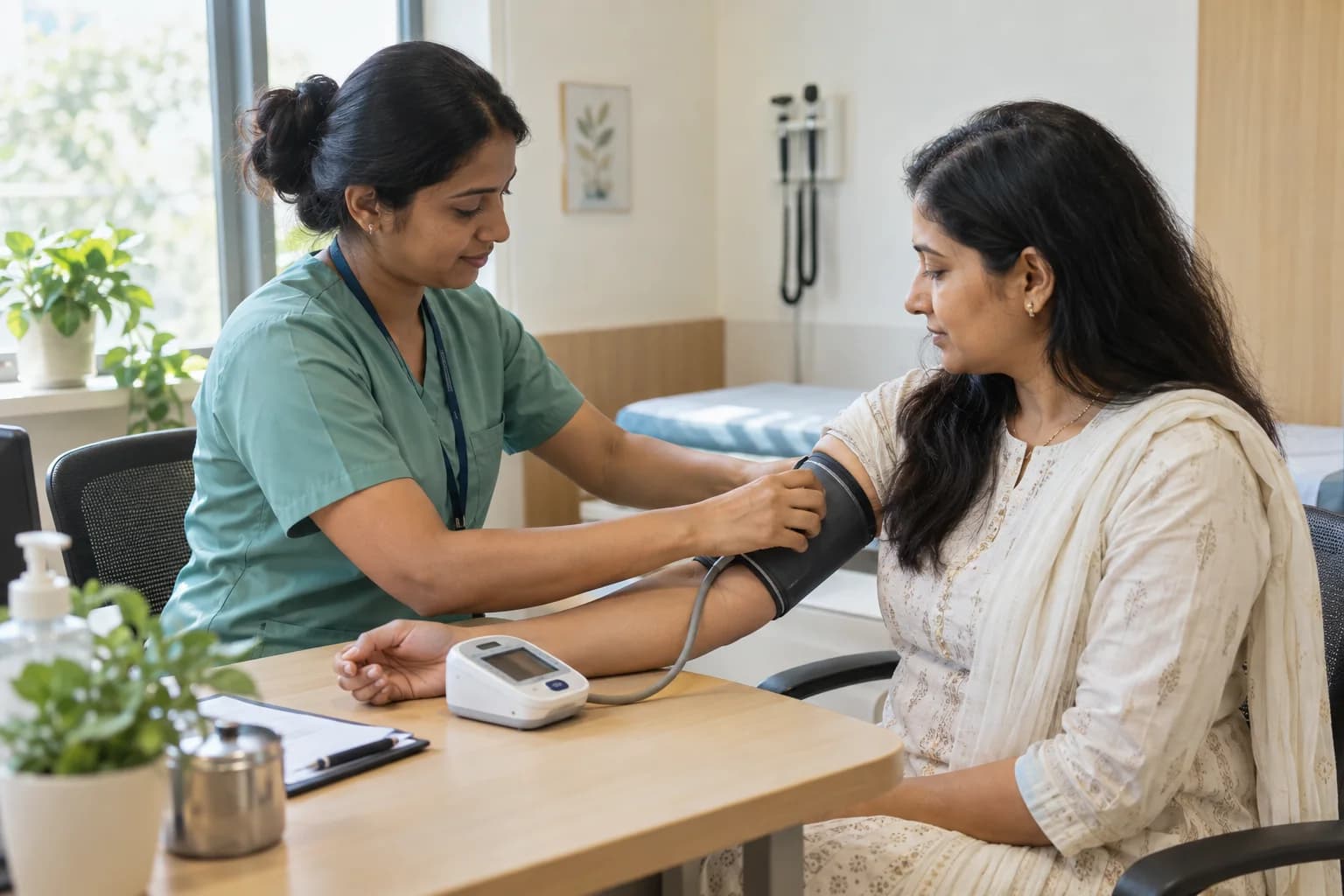
Keep pre-consultation work attached to the right visit, from the first check to the handover.
Patient identity
Clinic and visit
Preparation task
Check the patient and the visit before recording preparation or observations.
Capture the observation with its source.
Record vitals and delegated observations with their source visible to the next person.
Keep incomplete preparation and exceptions visible before handing over the visit.
Carry observations and assigned tasks into the consultation and follow-up.
Illustrative preparation workflow. Observations remain subject to clinical review.
Record structured preparation and delegated observations without losing the original information. Give the clinician a clear distinction between what was recorded and what still needs review.
Explore the consultation workflowMake preparation useful to the next person, including when part of the work is unfinished.
Observation attached
Source retained
Clinician review needed
Keep completed observations connected to the encounter, ready for the clinician to review.
Surface missing information and incomplete preparation before the consultation opens.
Carry delegated tasks forward within role permissions, with clinical decisions and signing left to the clinician.
Illustrative handover examples. Clinical review and role permissions still apply.
Use clear labels, large controls, and visible task status during preparation. Keep access tied to the staff member’s responsibilities when devices are shared across the clinic.
Original observations remain available to review. A faster action must preserve the information the next person needs.
Explore clinic operationsKeep supported local observations distinct from synchronized updates. When connectivity returns, make pending work and conflicting changes visible for review.
Explore offline work and recoveryIllustrative save states. Supported actions depend on device and workflow setup.
See how clinical work, the queue, and continuity fit together.
How delegated work, review, and access fit into your clinic.
Bractis is preparing for launch. This page describes the planned scope. Contact us about availability, onboarding, and the preparation workflow your clinic needs.
The clinician reviews relevant observations as part of the encounter. Contributions retain their source, and staff work within their assigned responsibilities and permissions.
The original observation remains available. Preparation and documentation tools must preserve the information needed for review rather than hiding its source.
No. Supported local work depends on device validation, workflow setup, and the action involved. Provider-dependent or high-risk actions require the appropriate online confirmation. Conflicts need deliberate review.
Access must be configured for each staff member’s role and purpose. Sharing a device does not grant access to another person’s clinical or administrative responsibilities.
Tell us how your team prepares patients, records observations, and passes work to the clinician.
Talk to Bractis